Adjustable echoes
Choose whether to hear letters or completed words as you type.

INDEPENDENT SOFTWARE · PRACTICAL UTILITIES
Software that helps you take the next step. DEJ Software builds practical tools to help you communicate and connect the information you have with the tools you already use.
OUR FREE SPEAKING KEYBOARD

A forgiving keyboard that speaks for you.
Communicate reads your typed messages aloud. Its forgiving keyboard gives you time to choose each key, making typing easier when precise movements are difficult.
Slide or poke around as much as you need, then stay on the key you want. No key is accepted until its balloon finishes filling. Adjust the dwell time to choose a comfortable pace.
Free for everyone. Use it in your browser, or install it on your home screen on supported tablets, phones, and computers.
Works offline after initial online setup. Speech requires an offline voice.
If you find Communicate useful, you can buy Dave a coffee. Support is optional—the app stays completely free and ad free.
You can then reopen the app in the same browser without a connection. Typing, suggested words, history, favorites, and copying remain available offline. Speech depends on a voice that works on your device without internet.
Clearing browser site data removes offline access and saved messages and settings. Open the app online again to prepare it for offline use and receive updates. Support and website links require internet access.
Set the dwell slider to give yourself a comfortable amount of time.
Use letters, numbers, symbols, and suggested words. Cursor keys let you move back to edit.
Choose Speak to read your message aloud. Save favorite messages to use again.
Choose whether to hear letters or completed words as you type.
Reuse recent messages spoken with SPEAK and your saved favorites, stored on your device. Clear your history whenever you wish.
Open Help/About in Communicate to share its address or show a QR code.
OUR FREE ANDROID SPEAKING KEYBOARD
A forgiving keyboard that speaks for you—in your Android apps.
A speaking Android keyboard for people who find precise typing difficult. Touch, slide, and pause to choose a key. Set your own pace. Let your words speak.
Touch a key, slide until you find the right one, then hold until the speech balloon fills. Set a comfortable dwell time, or choose Tap mode for normal press-and-release typing. Shift and Caps Lock work with lowercase and uppercase letters.
Hear letters or words as you type. Select text using your app’s usual controls, then choose SPEAK to read the selection aloud.
Typing, word suggestions, Favorites, and settings work offline. Speech requires an installed offline English voice.
Free. Ad-free. Looking for U.S. Android testers. Available through Google Play closed testing. Android 8.0 or newer.
After installation, enable Communicate in Android’s keyboard settings and select it as your input method.
Hold the gear to adjust dwell timing and letter or word echoes. Scroll and select text normally in your app.
Type in your apps, insert saved Favorites, or select text and use SPEAK. Choose and test an offline voice in Help / About → Speech.
Keyboard, settings, and Favorites screens. Select an image to view it at full size.


The Google Play closed test is currently available in the United States. Use the same Google account for the tester group and Google Play.
Tell us what worked, what was difficult, and which Android device you used. Send feedback to [email protected] or open a support ticket. Please leave private messages and personal information out of reports.
Google Play test releases and the direct development APKs above are separate installations. Use the Google Play release for this closed test.
Share text explicitly to Add to Favorites or Pin Favorite. Pinned phrases stay at the top of one scrollable list; pin and delete controls support dwell activation.
Enable everyday words, the general dictionary, medications, and medical terms. Choose medical subcategories for conditions, symptoms, anatomy, lab tests, procedures, and abbreviations.
Favorites and settings stay on your device, with no sync or backup. General typing is never saved as keyboard message history or learned as Favorites. Private fields disable speech, suggestions, and Favorites access.
Looking for the browser app? Open Communicate for the web ↗
OUR ANDROID UTILITY

From contact text to Android Contacts.
A business card or letterhead can become vCard text through AI or OCR. vCard Bridge takes that text and passes it to Android’s contact importer.
Copy valid vCard text to your clipboard, open the app, and tap Import. Or share the text directly to vCard Bridge from another app.
Open internal testInternal testing requires an authorized Google account. Ask for tester access if you have not been added.
Use text from a contact, business card, or an AI/OCR tool.
Use your clipboard or Android’s Share menu to send it to vCard Bridge.
Android’s contact importer handles the final step.
A straightforward way to use valid vCard text already on your device.
Includes a trial, with a one-time purchase to permanently unlock Direct Share.
SEE IT IN ACTION
Read how the app handles clipboard data, purchases, and optional diagnostics.
A SELF-CONTAINED KNOWLEDGE APPLIANCE


Preserving practical knowledge. Lighting the way to it.
Inspired by the ancient Pharos of Alexandria—a vital navigational aid for travelers and a beacon illuminating the seat of the greatest repository of knowledge in the classical world. The Data Ark is a modern, self-contained harbor for offline reference, technical guides, and preserved human knowledge.
Pharos organizes, helps you discover, and serves that knowledge. Readable configuration, local readers, verified updates and recovery tools keep the collection usable and maintainable.
Internet connectivity is a plus—not a dependency.
The Ark combines local access, standard protocols, a complete handbook and tools for reading the preserved material. Original Raspberry Pi runs on a Raspberry Pi with its own hotspot and content on the microSD or a separate drive; Plain Linux runs on a supported laptop, server or other Linux computer over a local network—Wi-Fi or wired.
An internet connection lets you refresh and expand the collection. Installed material remains available locally when that connection is absent.
Ask about Pharos Data Ark →WAYS TO BUILD OR SHARE AN ARK
A prepared Raspberry Pi appliance or ready-to-run microSD can serve its installed library without internet, online activation or an external content drive. A system-card library can carry a useful selection while reserving space for Linux and updates.
Headless first-owner setup uses a four-digit pairing code. The recipient chooses separate caretaker and Linux admin passwords; there is no shared root password.
A populated content drive carries the collection and public configuration. The software-only bootstrap supplies the recipe for a supported Linux host; installing that kit currently needs internet for software dependencies. Choose the format that fits the recipient, their hardware and their connectivity.
THE COLLECTION
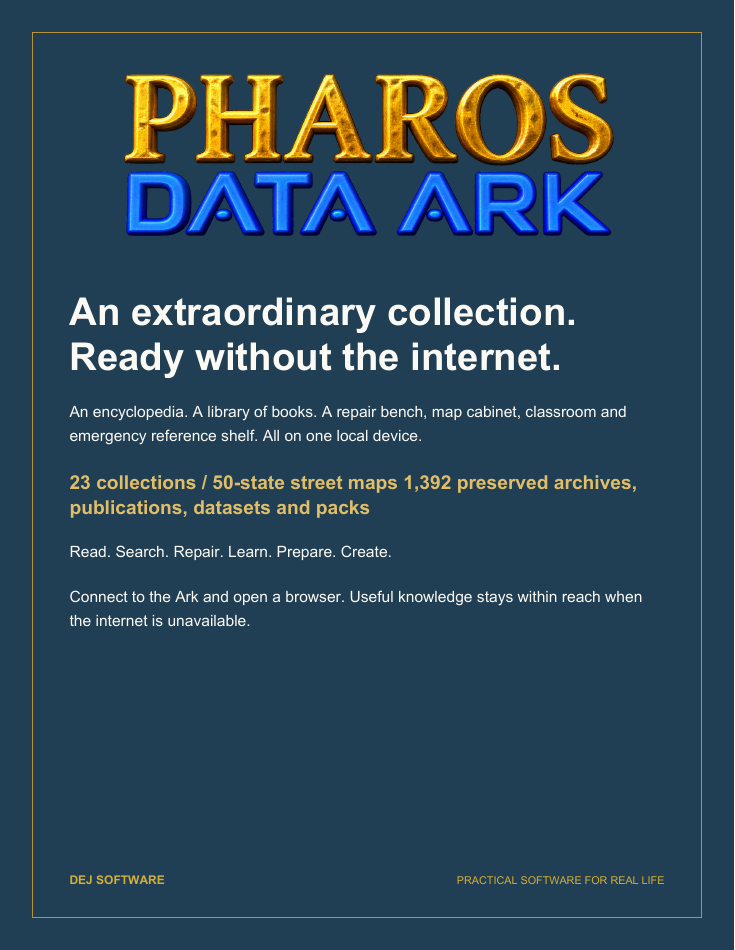
An encyclopedia. A library of books. A repair bench, map cabinet, classroom and emergency reference shelf. All on one local device.
24 collections bring together Wikipedia, WikiMed, iFixit, Project Gutenberg, Khan Academy, offline street maps for all 50 U.S. states and the Caribbean, and practical references for everyday life and difficult conditions.
Download the collection catalogue Read the complete collection →
November 6, 2026 snapshot: 1,401 registered archives, publications, datasets and packs. Individual books, articles and map features are not counted separately. Each Ark’s installed selection can differ.
THE ENGINEERING
The collection is one part of the story. Explore the mechanisms that make the Ark useful, maintainable and reproducible—and the decisions behind them.
Read the engineering document Explore what the Ark can do →
Architecture, internal mechanisms and design choices, with links to the implementation and operating guides.

THE HANDBOOK
The complete Data Ark documentation is available online and on the Ark itself. Explore 90 guides covering everyday use, administration, maintenance, development and recovery.
Read the complete handbook Download the handbook →
Browse online or download a self-contained edition for offline reading.

GET IN TOUCH
Contact DEJ Software about Communicate, Communicate Keyboard, vCard Bridge, Pharos Data Ark, testing, or feedback.
Support ticketsOr email [email protected].